No products in the cart.
Your order qualifies for free shipping!
Showing 351–385 of 1752 results
AltCore 3-Piece Set Women’s Goth Sexy Lace Bodysuit Lingerie, Rave, Going Out
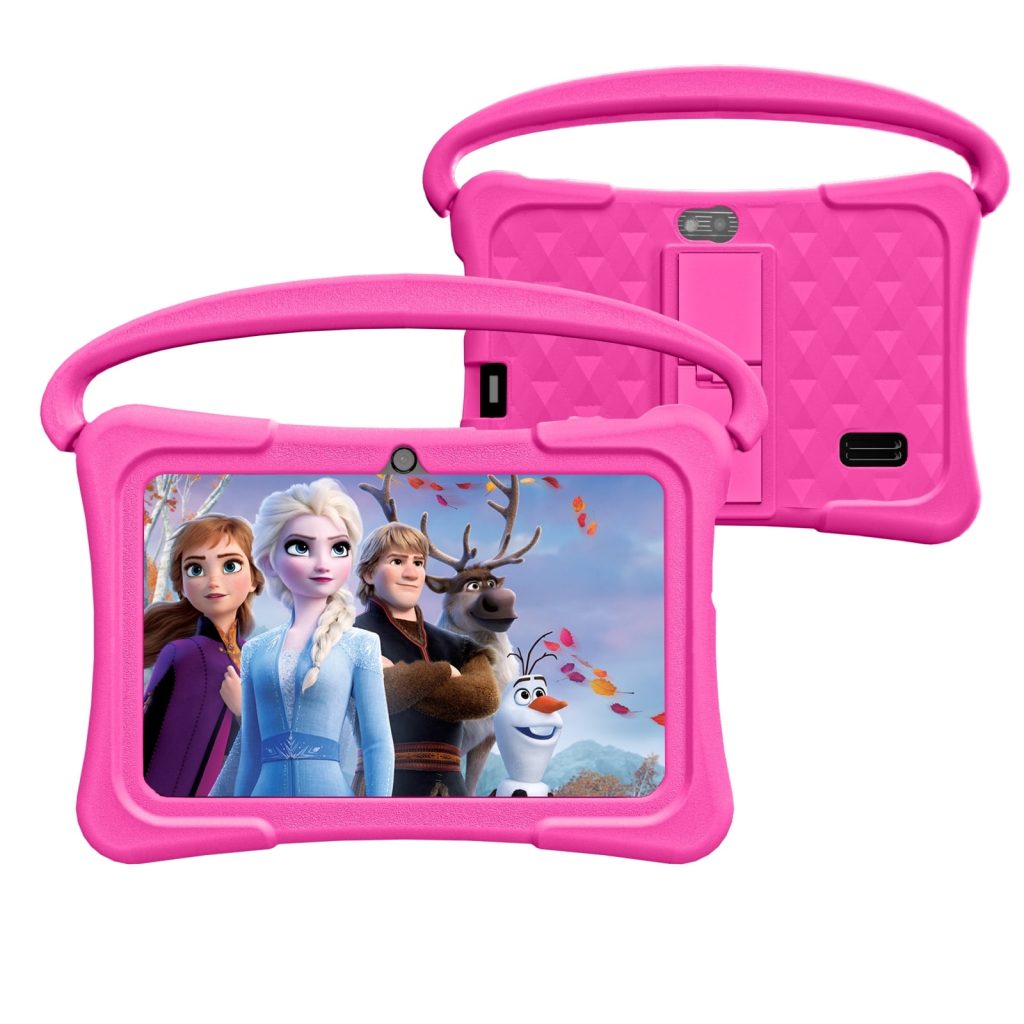
WIFI Battery :3000 mah Camera: 2mp + 2mp Memory :6GB
ROM:32GB
System :Android 11 Package contents : Tabletx1 Protective case x1 USB-C cable x 1
Parameter :< br > Bluetooth < br > Screen :7 inches
Pixel :1024x600
WIFI
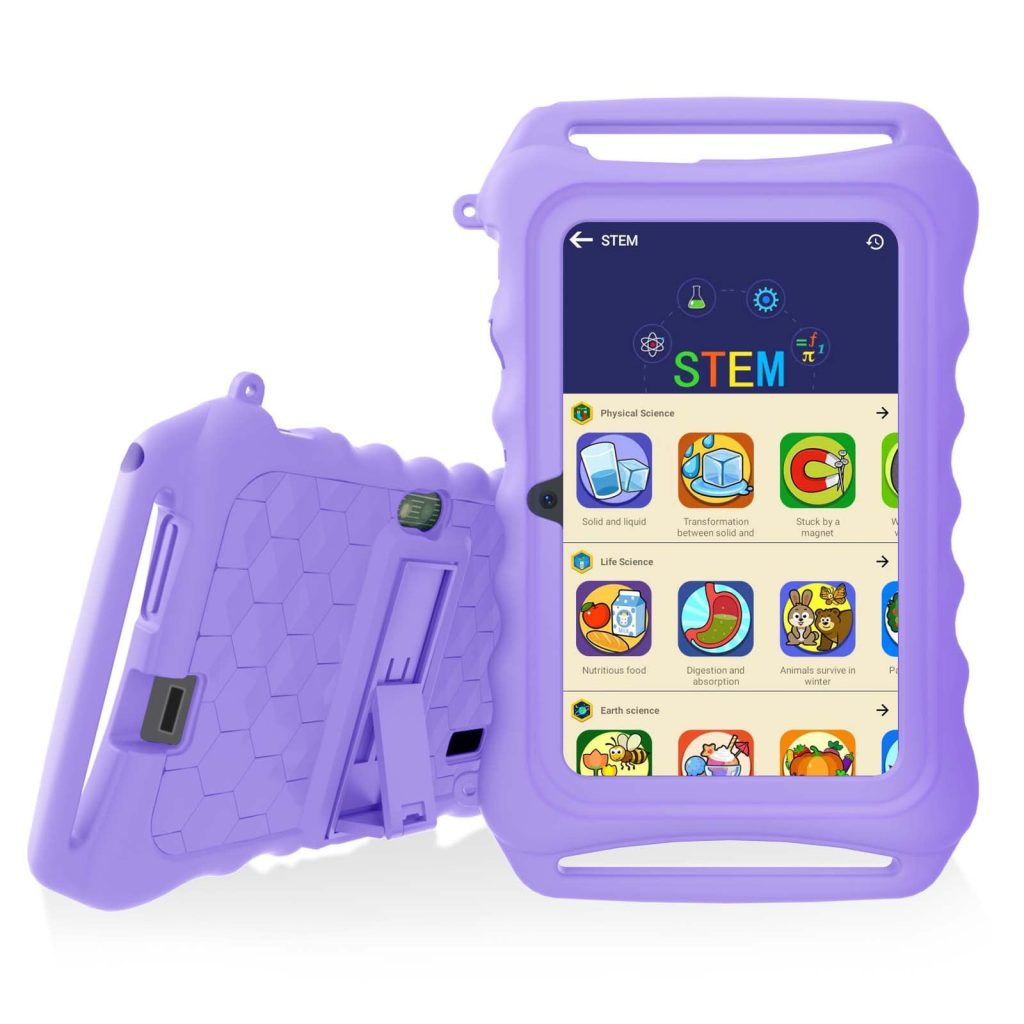
Battery :3000 mah < br > Camera: 2mp + 2mp < br > Memory :6GB
ROM:32GB
System :Android 11
< b > Package contents :< / b > < br > Tabletx1 < br > Protective case x1
USB-C cable x 1
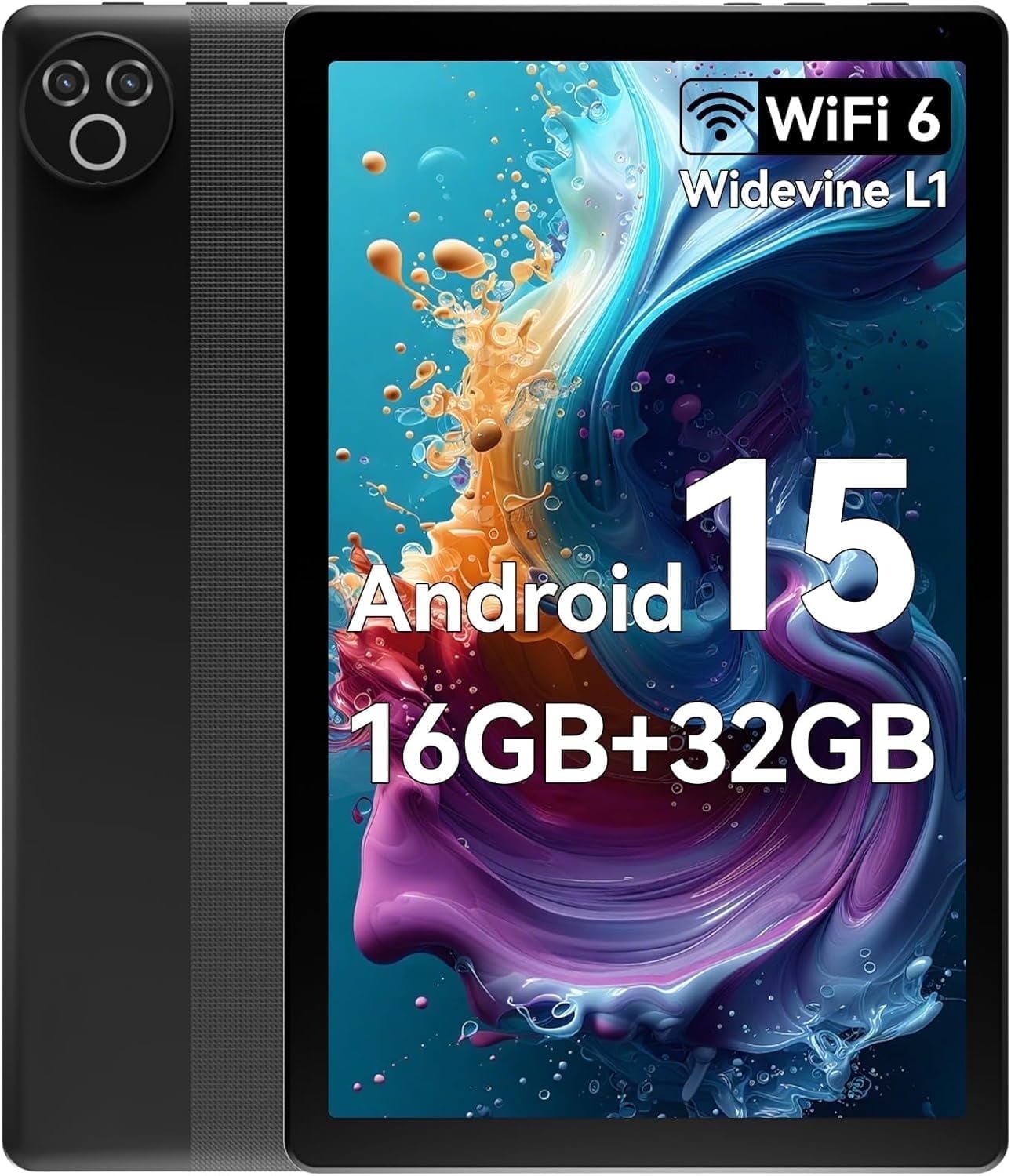
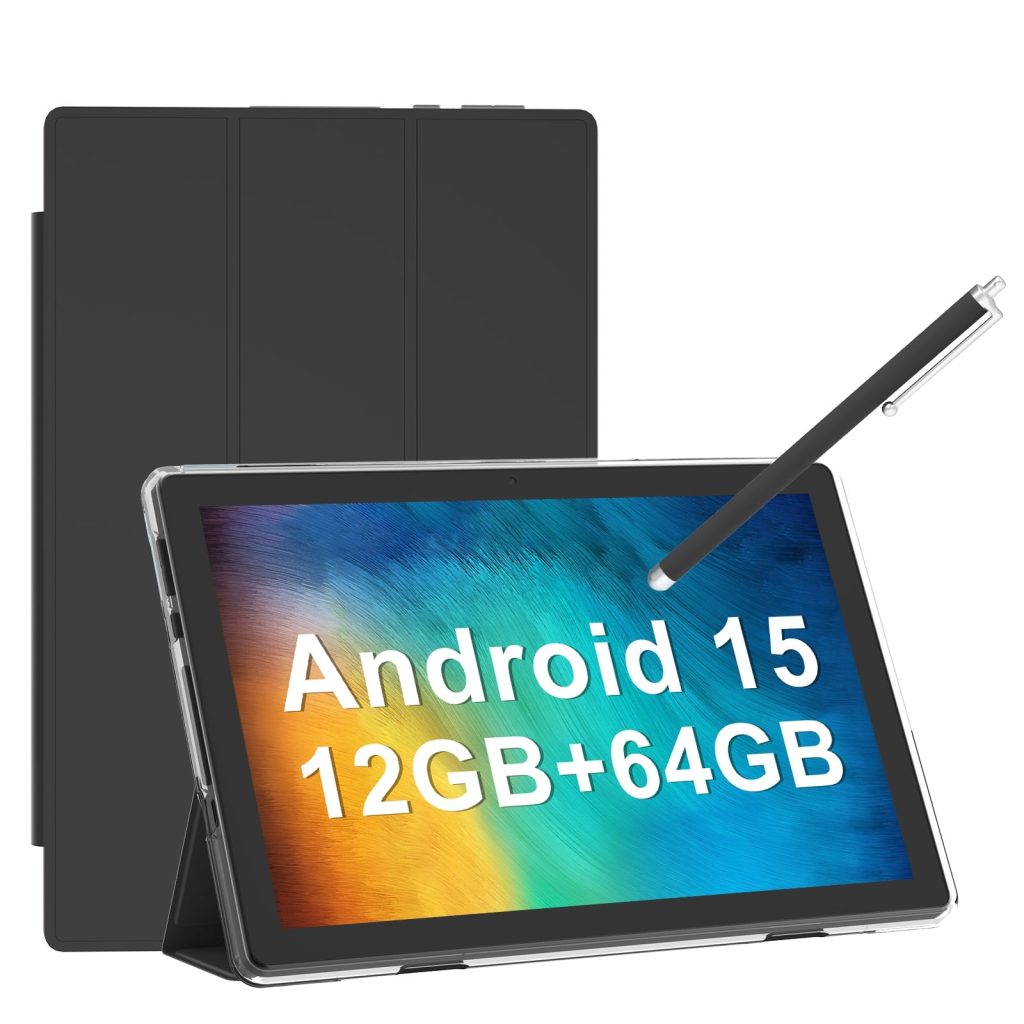
Android 15 5-Core 10inch Tablet,16GB Ram+32GB ROM +1TB Expand,IPS Display, Widevine L1, 5G Wifi, 5MP+8MP Camera, 5000mAh, Bluetooth 2.4,Black
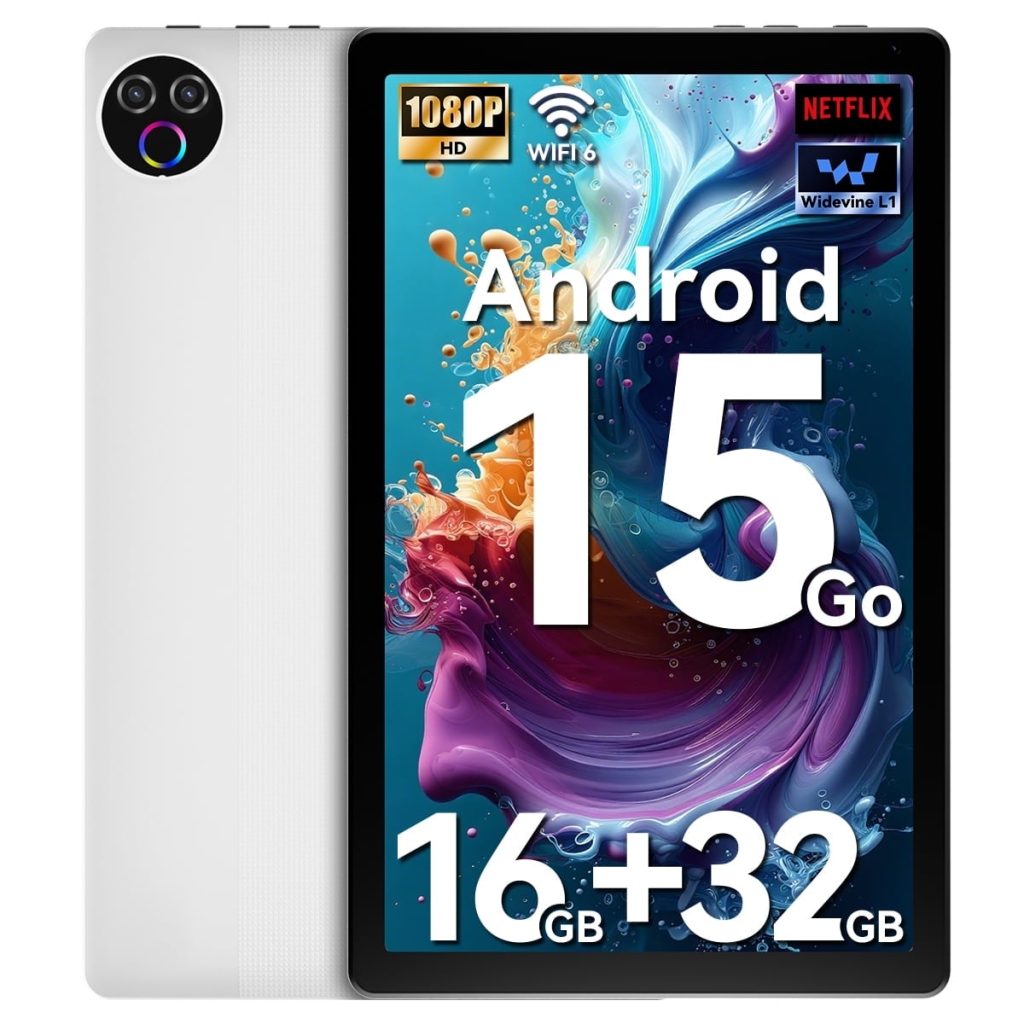
Why choose the tablet?
With the latest OS android 15,you can further customize your tablet and enhance its user protection and user assistance features.Updates include new themes and AI-generated wallpapers,more control over health-related features and safety settings and improved functionality for a range of accessibility features.
Tablet parameter:
Memory Storage Capacity:32 GB
Screen Size:10 Inches
Display Resolution Maximum:1332*800
Operating System:Android 15
wireless tech:Wi-Fi, Bluetooth
Color:Black,White
What's in the box
tablet x 1
Cable x 1
User Manual x 1
Android 15 5-Core 10inch Tablet,16GB Ram+32GB ROM +1TB Expand,IPS Display, Widevine L1, 5G Wifi, 5MP+8MP Camera, 5000mAh, Bluetooth 2.4,White
Why choose the tablet?
With the latest OS android 15,you can further customize your tablet and enhance its user protection and user assistance features.Updates include new themes and AI-generated wallpapers,more control over health-related features and safety settings and improved functionality for a range of accessobility features.
Tablet parameter:
Memory Storage Capacity:32 GB
Screen Size:10 Inches
Display Resolution Maximum:1332*800
Operating System:Android 15
wireless tech:Wi-Fi, Bluetooth
Color:Black,White
What's in the box
tablet x 1
Cable x 1
User Manual x 1
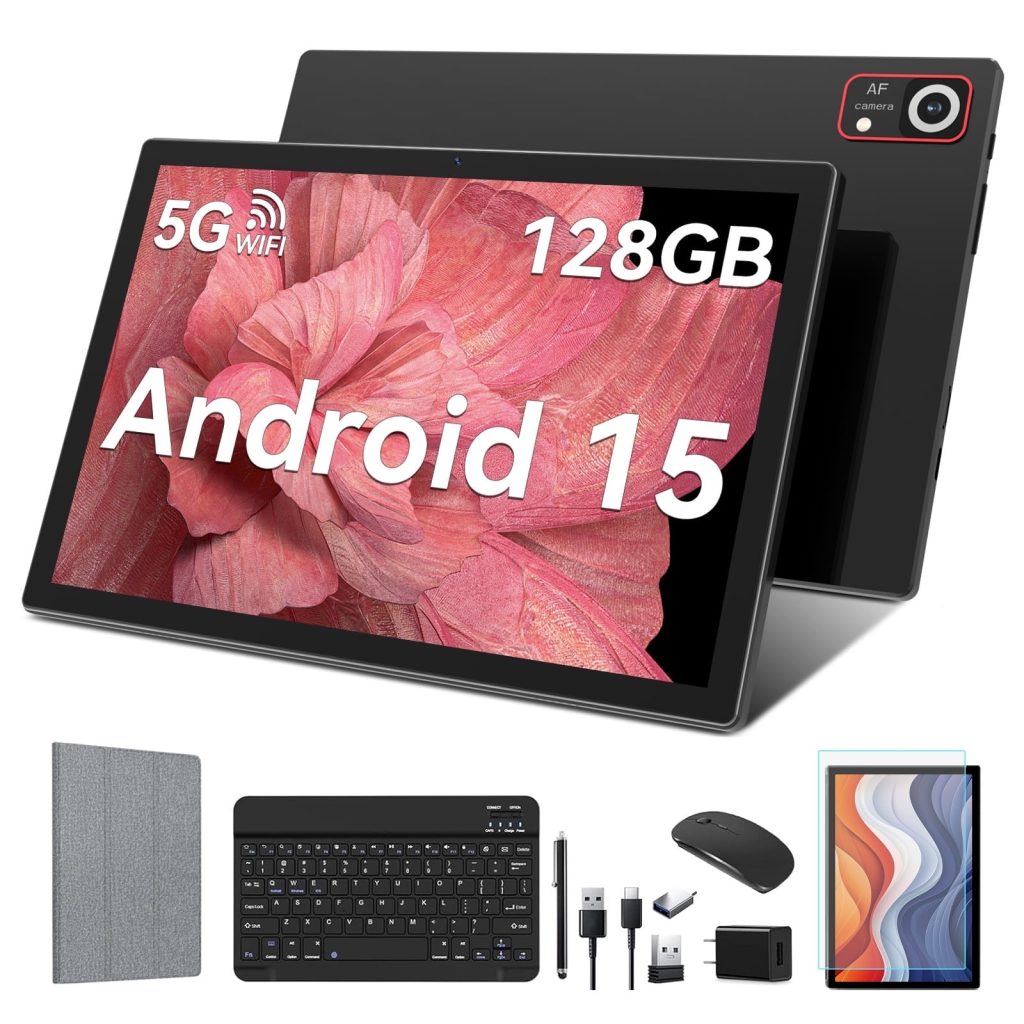
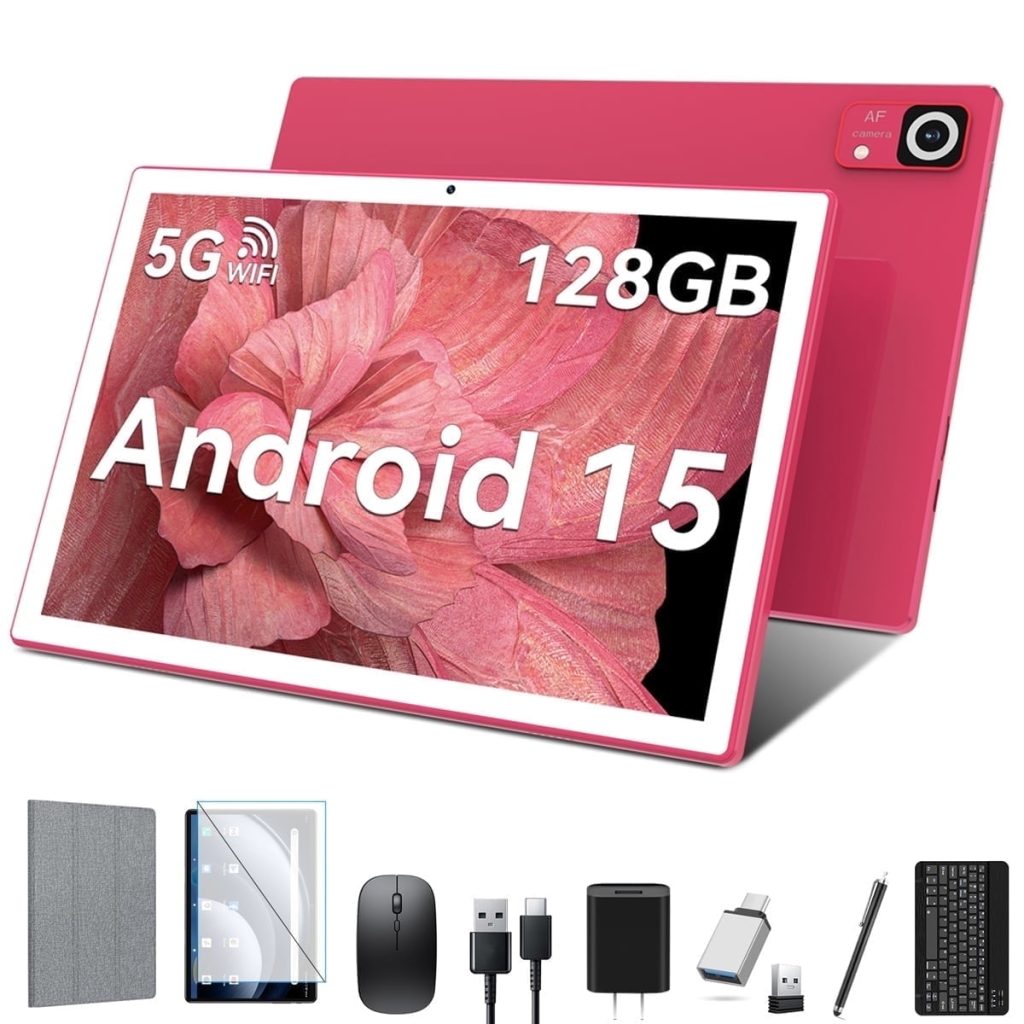
Android 15 Tablet ,8GB Ram 128GB Rom,5G WIFI 8MP+13MP Camera,1280×800 IPS Google Tablets
Brand:TABURETO
System:Android 15
WIFI:5G+2.4G WIFI
CPU:2.0 GHZ | Octa-Core
RAM:8GB
ROM:128 GB(Expand to 1TB)
Battery:8000mAh
Screen Size:10.1 inch
Front Camera:5 MP
Rear camera:13MP
Charging interface type:Type-C
Headphone jack type:3.5mm
Linking the Mouse Method:
1. Remove the mouse's battery compartment cover, take out the mouse's signal receiver, and then place two AAA batteries inside the mouse.
2. Attach the adapter to the Type-C port of the tablet.
3. Plug the mouse's signal receiver into the female end of the adapter.
4. Activate the mouse's power switch, and you're done.
Pairing the Bluetooth Keyboard Method:
1. Turn on the tablet's Bluetooth and press and hold to navigate to a new page.
2. Choose "+ pair new device" from the options.
3. Power on the Bluetooth keyboard by switching it to "ON" and then tap "Connect".
4. When the "Bluetooth 3.0 Keyboard" appears on the tablet's screen, select it to initiate pairing.
5. If a six-digit code appears on the tablet, enter the same code on the keyboard to establish a connection. (If no code is displayed, just select "Connect".)
Please be aware that the Bluetooth keyboard should be charged before its first use.
If the Bluetooth keyboard is not needed, simply switch it off.
Once the keyboard is fully charged, it can then be paired with the tablet.
Brand:TABURETO
System:Android 15
WIFI:5G+2.4G WIFI
CPU:2.0 GHZ | Octa-Core
RAM:8GB
ROM:128 GB(Expand to 1TB)
Battery:7000mAh
Screen Size:10.1 inch
Front Camera:5 MP
Rear camera:13MP
Charging interface type:Type-C
Headphone jack type:3.5mm
Linking the Mouse Method:
1. Remove the mouse's battery compartment cover, take out the mouse's signal receiver, and then place two AAA batteries inside the mouse.
2. Attach the adapter to the Type-C port of the tablet.
3. Plug the mouse's signal receiver into the female end of the adapter.
4. Activate the mouse's power switch, and you're done.
Pairing the Bluetooth Keyboard Method:
1. Turn on the tablet's Bluetooth and press and hold to navigate to a new page.
2. Choose "+ pair new device" from the options.
3. Power on the Bluetooth keyboard by switching it to "ON" and then tap "Connect".
4. When the "Bluetooth 3.0 Keyboard" appears on the tablet's screen, select it to initiate pairing.
5. If a six-digit code appears on the tablet, enter the same code on the keyboard to establish a connection. (If no code is displayed, just select "Connect".)
Please be aware that the Bluetooth keyboard should be charged before its first use.
If the Bluetooth keyboard is not needed, simply switch it off.
Once the keyboard is fully charged, it can then be paired with the tablet.